Image to Text — Extract Text from Image
Upload an image and our AI will extract all text, tables, and formulas — formatted as Markdown, ready to copy or download.
Drag & drop or click to upload
JPG, PNG · Max 10MB
Why Use Our OCR Tool?
AI-Powered
Advanced AI accurately extracts text from photos, scans, and screenshots.
Markdown Output
Results are formatted as Markdown, preserving tables and structure.
Math Formulas
LaTeX formulas are detected and rendered beautifully.
Use Cases
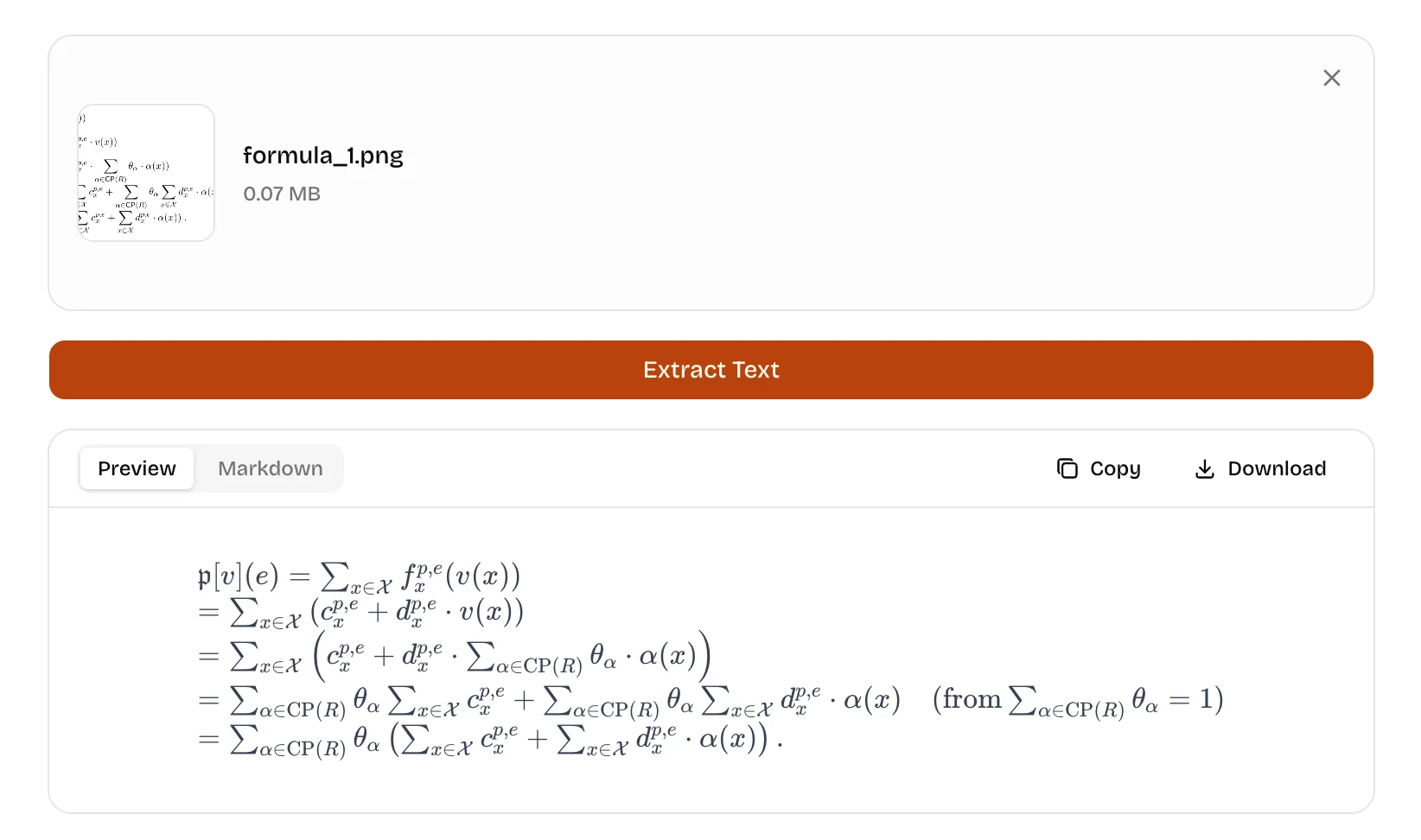
Extract Math Formulas from Images
Upload a photo of handwritten or printed math equations, and our AI converts them into perfectly rendered LaTeX formulas. Ideal for students, researchers, and academics who need to digitize formulas from textbooks, lecture slides, or handwritten notes.
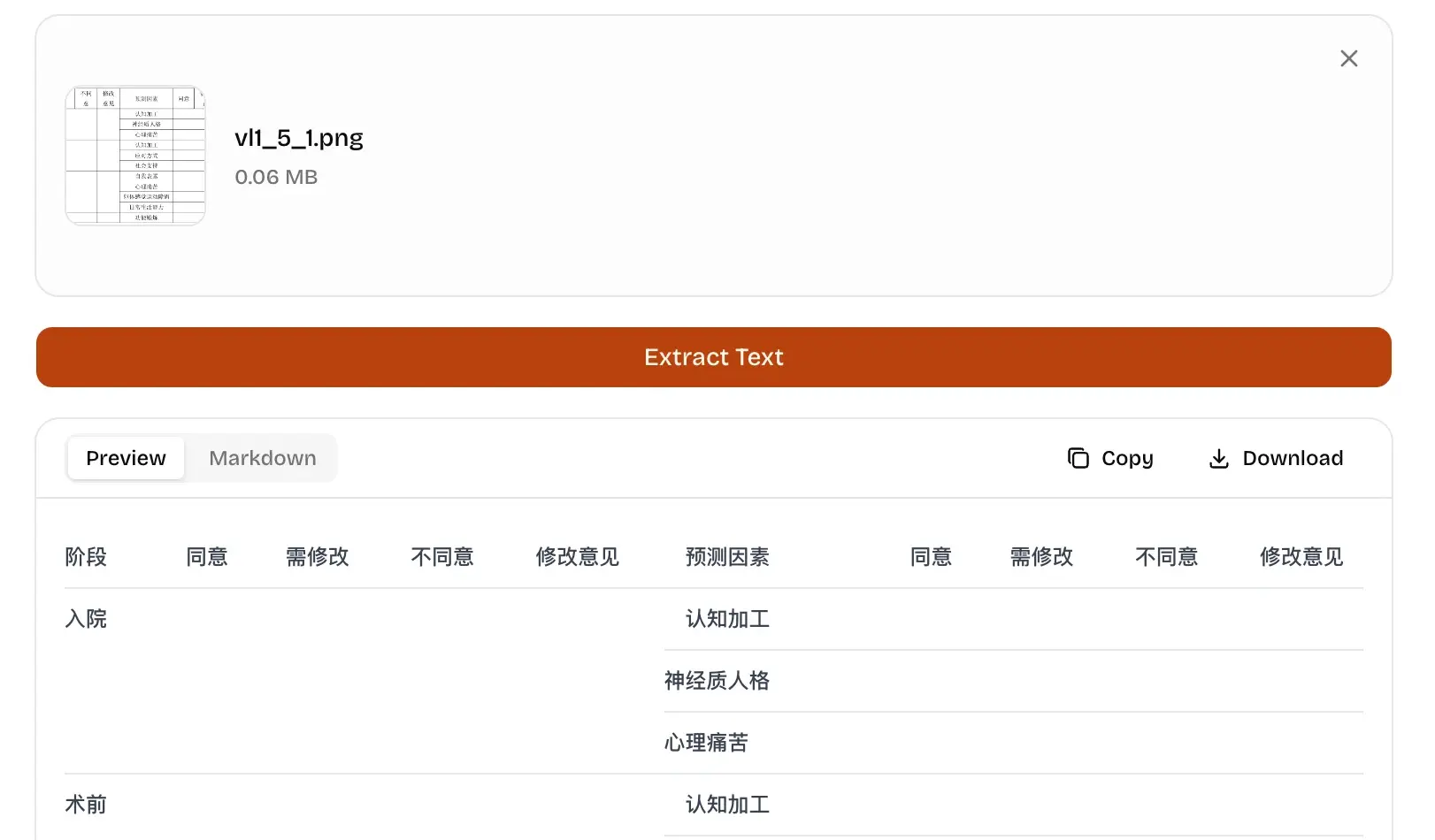
Extract Tables from Images
Capture tables from scanned documents, research papers, or screenshots and convert them into structured Markdown tables. Perfect for digitizing data from printed reports, medical records, financial statements, or any tabular content.
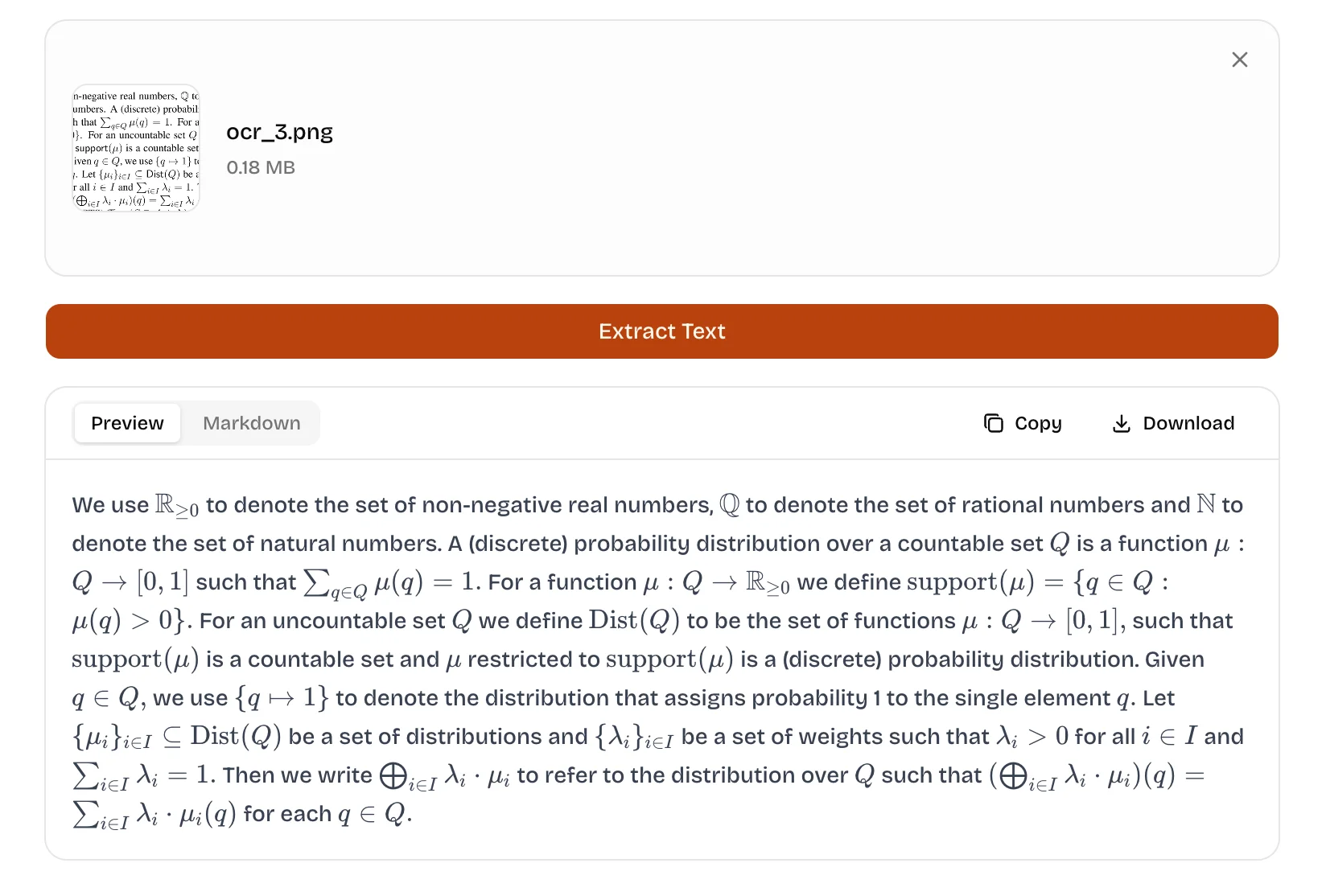
Extract Text with Mixed Content
Handle complex documents that mix regular text with mathematical notation, symbols, and special characters. Great for extracting content from academic papers, technical documentation, or scientific articles where precision matters.
How to Extract Text from an Image
- 1Click the upload area or drag and drop your image (JPG or PNG, max 10MB).
- 2If you are not signed in, complete the quick human verification.
- 3Click "Extract Text" and wait a few seconds for the AI to process your image.
- 4Your extracted text appears as formatted Markdown. Use the Copy button to copy it or Download to save it as a .md file.